Family & Parents
The Family & Parents section contains the tools used to manage the adults in your family and your Barnacle Bucks account.
From here you can invite additional adults, manage existing family members, and update your account settings.
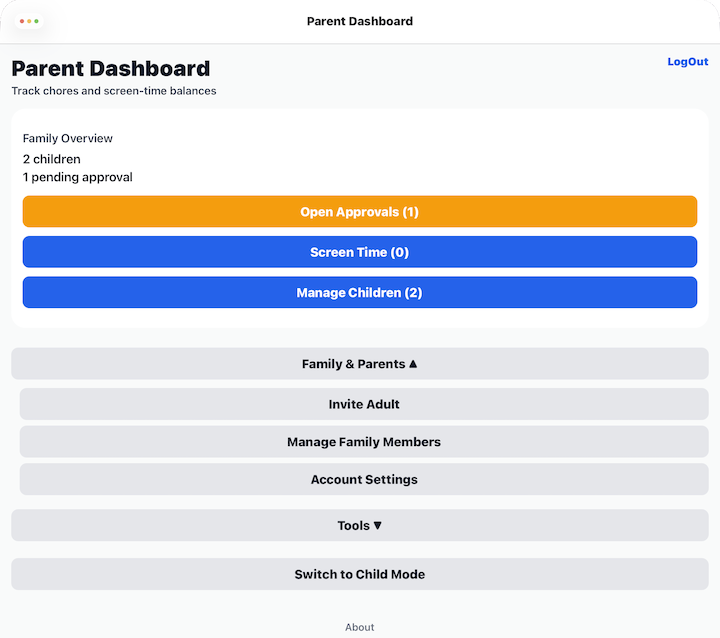
Invite Adult
Select Invite Adult to invite another trusted adult to join your family.
Invited adults can help manage your children, review chores, and perform other parent tasks based on the permissions you assign.
See Invite Adult for detailed instructions.
Manage Family Members
Select Manage Family Members to view everyone who belongs to your family.
From there you can:
- View each family member's role.
- View account status.
- Deactivate access for family members when necessary.
See Manage Family Members for more information.
Account Settings
Select Account Settings to manage your personal account and security settings.
From there you can:
- Change your email address.
- Change your Parent PIN.
- View the current Barnacle Bucks version.
See Account Settings for detailed instructions.
Tips
- Invite only adults you trust to help manage your family.
- Deactivate access for anyone who should no longer have access to your family's information.
- Keep your Parent PIN secure and avoid sharing it with children.