About Barnacle Bucks
The About screen displays technical information about your Barnacle Bucks installation.
This information is useful when checking for updates or when contacting support to report a problem.
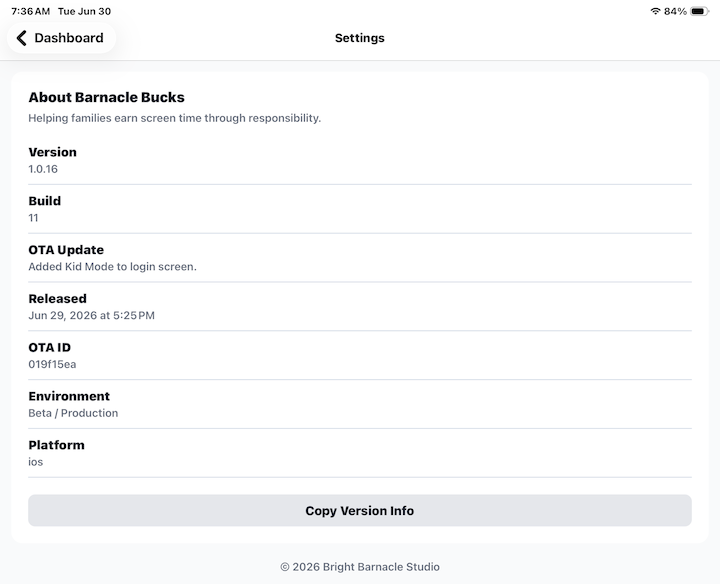
Version Information
The About screen displays information about the version of Barnacle Bucks installed on your device, including:
- App version.
- Build number.
- Over-the-Air (OTA) update version.
- Release date and time.
- OTA update ID.
- Environment.
- Platform.
Copy Version Info
Tap Copy Version Info to copy all version information to your device's clipboard.
This makes it easy to paste the information into an email, support request, or bug report.
When to Use This Information
Version information can help you:
- Confirm you're running the latest version of Barnacle Bucks.
- Provide accurate details when reporting a problem.
- Verify which update is currently installed on your device.
Tips
- Include your version information whenever you contact support.
- If asked to verify your app version, use Copy Version Info instead of typing the details manually.