Switch to the Child Area
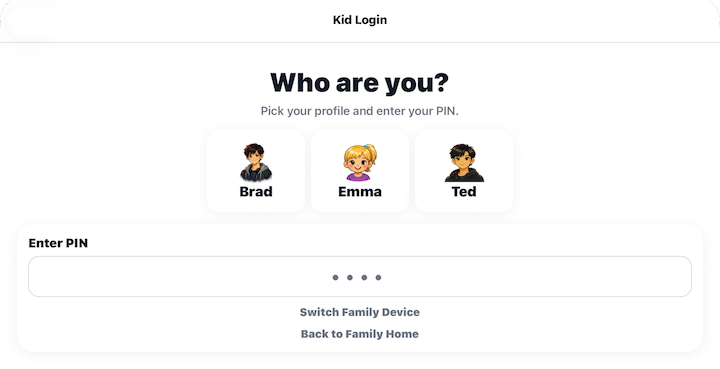
Select Switch to the Child Area when you're finished using the Parent Area and want to return the device for a child to use.
Barnacle Bucks securely signs you out of the Parent Area and returns to the Choose User screen.
From there, a child can select Child and enter their PIN to access the Child Area.
Good to know
- Your parent account remains securely signed in on the device.
- The next time you open the Parent Area, you may be asked to verify your identity, depending on your security settings.
- Any changes you made before switching are automatically saved.